Temporary token
A4 uses an activation access. After delivery, it stops operating and the main key does not stay in the client's environment.
A4 Maestro
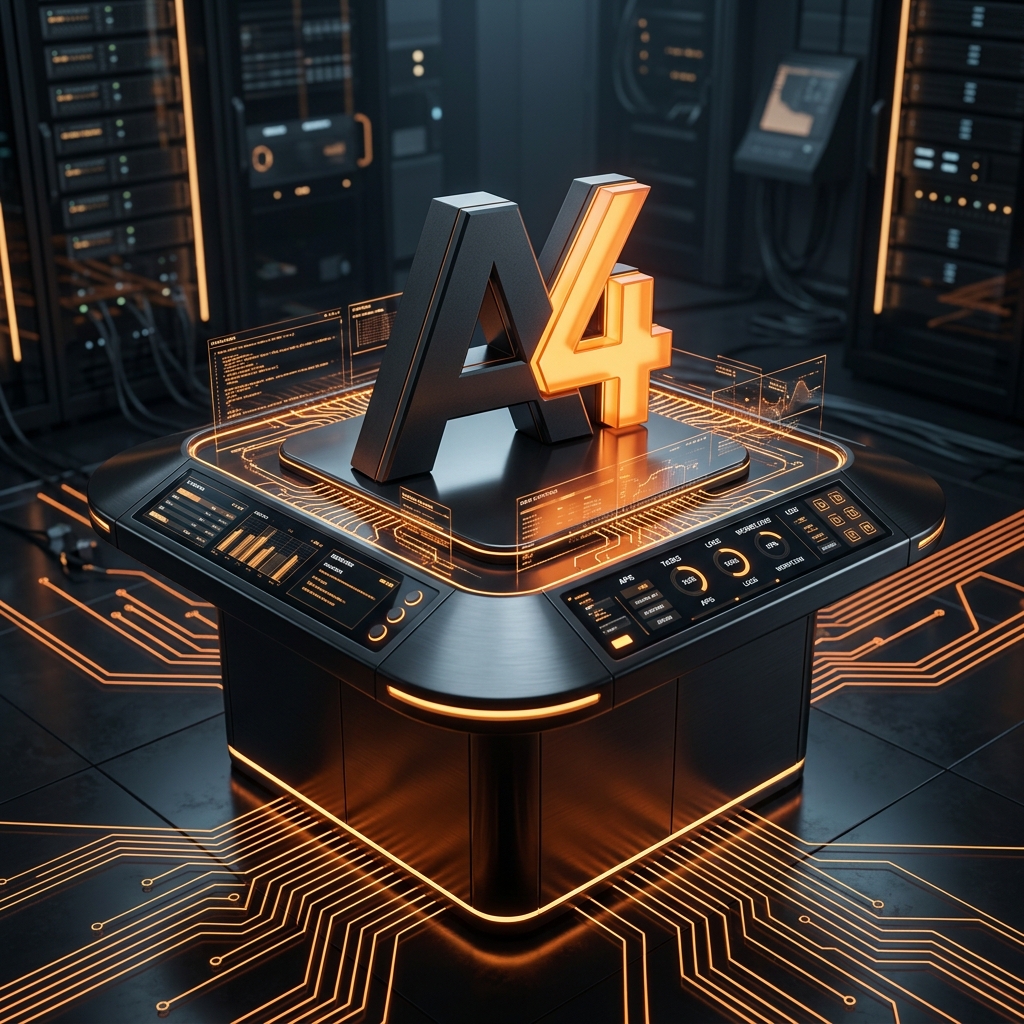
In version 0.1, Maestro is a temporary installer: reads the A4 Manifest, prepares the VPS, configures the runtime, installs the kit, tests everything, and hands the operation over to the client's AI.
How Maestro works
The A4 token is only for installation and validation. After swapping to the client's AI, Maestro stops working and does not retain access to the environment.
The client contracts the activation and Maestro receives a temporary token, without exposing A4's main key.
Maestro interprets a4-manifest.yaml to know which kit, runtime, Skills, agents, and tests should be installed.
Checks the Hostinger VPS, the system, available resources, and required dependencies.
Installs and configures OpenClaw or Hermes, as per the compatibility described in the manifest.
Configures the bot, restricts permissions, and validates the channel that will be used by the client.
Installs five to ten previously validated Skills for that kit, respecting versions and dependencies.
Configures the four basic agents defined by the product and connects their responsibilities.
Executes tests for installation, communication, permissions, Skills, and main flows.
Records what was installed, what was tested, the results, and any pending issues.
The client provides their own AI in the environment. Maestro stops operating and the kit continues running with the client's key.
Version 0.1
A kit installed and validated on a Hostinger VPS, with the minimum needed to start operating via Telegram.
A4 uses an activation access. After delivery, it stops operating and the main key does not stay in the client's environment.
a4-manifest.yaml defines exactly what the kit installs, what versions it uses, and what tests need to pass.
The final report records the agents, Skills, connections, executed tests, and the swap to the client's AI.
Next step
Tell A4 which process is repetitive, slow, or hard to track. We will evaluate if it can become a digital employee.